How this site auto-deploys from GitHub to Hostinger
This very website publishes itself. Here’s the pipeline, as my first real “learning” post.
The flow
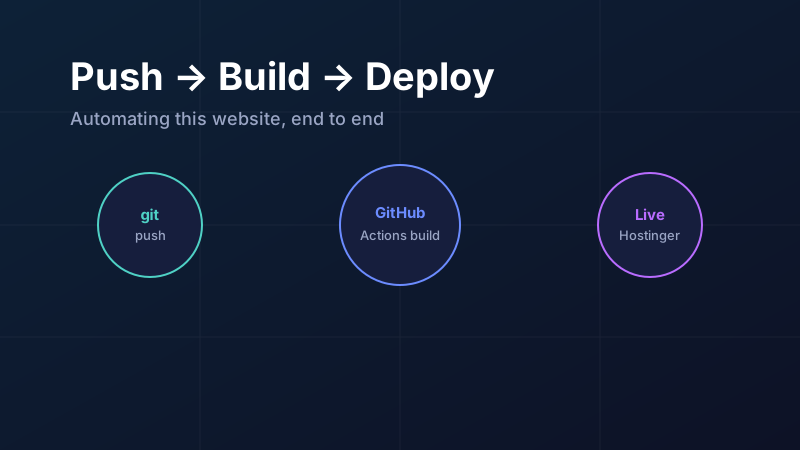
Every time I push to the main branch on GitHub:
- GitHub Actions checks out the code and runs
npm run build. - Astro compiles all pages and Markdown blog posts into plain, fast HTML in
dist/. - An FTP deploy action uploads only new and changed files to Hostinger’s
public_html.
Total time: about a minute from git push to live site.
Why a static site?
Shared hosting is great at serving plain files. A static site means no server-side runtime to maintain, near-instant page loads, and nothing to hack. All the “dynamic” work (turning Markdown into HTML) happens at build time on GitHub’s servers — for free.
The safety detail: no surprise deletions
The deploy action keeps a small state file on the server to track what it has uploaded. On each deploy it uploads new/changed files and only removes a file if I explicitly deleted it from the repository. Anything else living on the server that the pipeline never touched stays untouched.
Writing a new post
My publishing workflow is now:
# 1. create a markdown file
src/content/blog/my-new-learning.md

# 2. commit and push
git add . && git commit -m "post: my new learning" && git push
That’s it. No FTP clients, no copy-pasting HTML. The best automation is the one that makes doing the right thing the easy thing.
Comments
Loading comments…